

The most important job market skills - how to become a video editor and montage?



Video editing and editing skill was ranked as one of the 5 most sought-after skills in the freelance market in the design and innovation sector, second only to graphic design.
Show key points
- Video editing is a highly demanded freelance skill, requiring dedication, patience, and extensive technical knowledge to master.
- A powerful computer with strong specifications, particularly in graphics and cooling systems, is essential for effective video editing work.
- Learning basic editing concepts such as storytelling rhythm, transitions, and sound/music synchronization is crucial for professional growth.
- ADVERTISEMENT
- Beginners should start with simple and budget-friendly programs like Canva, Filmora, or Camtasia before moving to professional software.
- Mastering one or two professional editing programs, such as Adobe Premiere Pro or DaVinci Resolve, is more effective than learning many at once.
- Specializing in a niche like film editing, color correction, or music video editing helps develop a clearer career path and expert-level skills.
- Continuous learning through tutorials, following experts, and gaining related skills like photography or graphic design is vital for staying competitive.
That's because it's actually not an easy skill – contrary to what some think, and you need real passion, patience, and a lot of knowledge if you want to excel.
In addition, although it can be practiced on a regular PC, it needs a computer with no small costs, to ensure strong and smooth performance. So you often find that professionals in this profession work on Apple devices that excel in graphics processes in general.
Through this article, we offer you a simplified guide to learning the skill of video editing and editing in general, highlighting its most important elements.
Recommend


1- Save a powerful computer
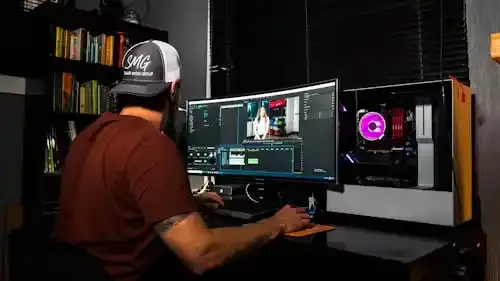
An important point that many neglect! Your computer is your main hardware in this profession, it is the tool that will endure the hard work and work to produce the final product, and the most important piece of this hardware is the graphics card or graphics processor. We recommend at least the following specifications as a start, taking into account development once every two years at most.
It is worth noting that we do not recommend a mobile device or laptop for this work, as it will be very expensive for beginners.
Of course, if you own a modern Mac, it will spare you from that, but it is also expensive.
Processor: At least Intel Core i5 or AMD Ryzen 5, Intel Core i7 or AMD Ryzen 7 processor recommended for better performance.
RAM: At least 16 GB. 32GB or more for optimal performance, especially when working with HD videos or heavy effects.
Storage: SSD (Solid State Drive) is essential for fast loading and smooth operation. At least 500 GB, 1 TB or more is preferred. Remember that there are large files, the more storage space the better for you. It is better to have one or more ordinary hard drives with a lot of storage space.
Graphics/Graphics: NVIDIA GeForce GTX 1660 Super or AMD Radeon RX 5700 XT At least, NVIDIA GeForce RTX 3060 or AMD Radeon RX 6700 XT are recommended for better performance. Nvidia products are preferred for their excellence in stability and smooth performance. It is also recommended if the budget is limited to buy a processor with a built-in graphics card from Intel, as it provides good performance at a reasonable price.
Screen: At least 1080p resolution, the higher the resolution the better. Make sure the screen fits the size of your workspace.
Operating system:
Windows 10 or 11.
Or macOS is also suitable, especially with video editing software like Final Cut Pro.
Good cooling: A good cooling system is important to prevent the computer from overheating while working with intensive video editing programs. And to know that these programs heat the whole device greatly.
If you don't have the technical knowledge to buy such a device, it's best to turn to a computer technician or a company you trust.
2- Learn the basic concepts in montage
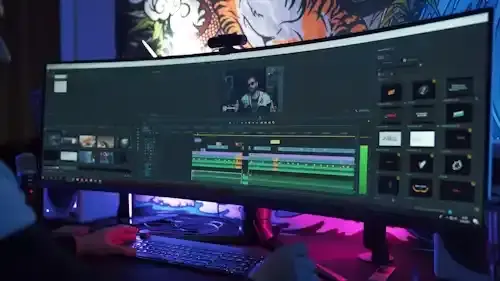
You must understand the idea before you start implementing it. Reading a book about editing can spare you a lot of experiences. But at the same time, we always recommend practical experiments because it is the best teacher. It is best to learn and understand well the following information:
What is the chronology of the viewer.
Visual storytelling.
The rhythm of montage.
Compatibility between shots.
Use music and sound effects.
Color effects.
Know that this will make you really special in this profession, and this is a good factor for continuity, and also will raise your professional performance and financial return.
3- Start practicing simple and medium programs
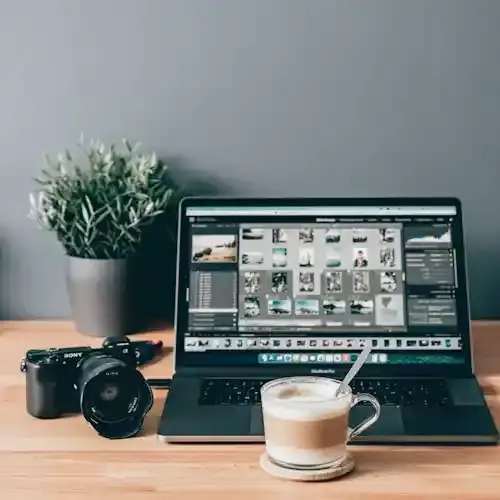
The cost of video editing and editing software is high for beginners. It is preferable to start training on the following programs with a small cost until you feel that you are saturated with them, and aspire to more performance and professionalism.
These rudimentary programs will teach you the basics of the program, such as: cut, paste, transitions, effects, color correction, and sound.
However, these programs can also be used in small projects.
Important note: It does not take you like these programs because no matter how limited they are for professionals.
Canva video editing feature: It is one of the most famous and simplest online image editing programs, and provides support for small videos as well, the program includes important primitives in the editing process, and contains many elements for visual additions, and really beautiful effects, and the program comes from a free subscription to a subscription for a small monthly amount.
Filmora: It is currently the most popular video editing software for beginners, it does not require a professional approach to work on it, and it is the average cost, knowing that not all of its extensions are free.
Camatasia: An alternative to the previous one, perhaps easier to handle, as well as the average price, and does not need a high-performance device. It is an excellent start to enter the world of professionals.
4- Learn professional programs
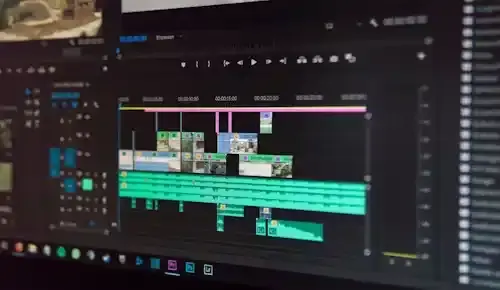
● Popular Shows: Adobe Premiere Pro, Final Cut Pro, DaVinci Resolve, Avid Media Composer.
●This is a very simplified list, there are many other popular programs, we have mentioned only the most famous, and you will learn a lot during your trip.
●Master one or two programs at most, and you will be amazed at the details of one program, and the extent of possibilities.
●Choose a program that fits your budget and goals. You should also know that the price of the program is not its real cost, you may need additions at additional prices to the original price, and some of them will need continuously, i.e. a variable and continuous cost.
5- Select Specialization
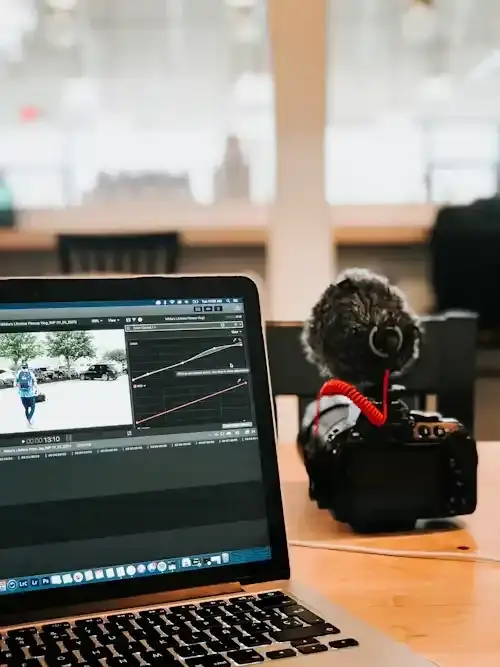
An important point that many do not pay attention to, which is that video editing and editing is a wider world than you imagine, and it is better to choose to work in general, or specialize in a specific process, and we offer you these important disciplines:
1. General Video Editor: Responsible for all aspects of video editing, from cropping and arranging footage to adding sound effects and effects. The video editor must be creative, have strong technical skills and an understanding of the rules of storytelling.
2. Film Editor: specializes in editing film and television films. A film editor must have a deep understanding of cinematic language and the ability to translate the director's vision into a coherent work of art.
3. Advertising Video Editor: Specializes in editing commercials.
4. Music Video Editor: Specializes in music video editing, has a strong sense of rhythm and understanding of the aesthetics of music video.
5. Animated Graphic Designer: Creates animations and visual effects for videos. Most often it is full graphics or clips added to another video.
6. Color correction specialist:
One of the most sought-after specialties, and the most expensive. He specializes in adjusting and enhancing the color balance, saturation, and overall appearance of photos or videos to achieve the desired aesthetic. Tools or accessories are used in specific programs to correct color inaccuracies, adjust lighting and enhance the overall visual appearance of the final product. Color correction specialists are frequently employed in industries such as film, television, advertising, and digital media production. Its main goal is to modify the colors of the video to give it a specific look. It is important that this specialist has a strong technical eye and understanding of color correction techniques.
It's also best to determine the areas in which you will work, for example, whether you will edit documentaries or films, perhaps you also want to work in the field of medical video editing, and so on.
6- Don't stop evolving!
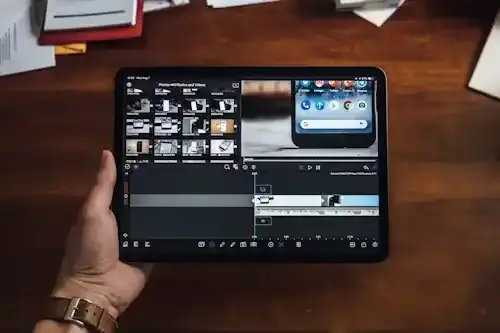
Find the latest trends in video editing, watch online tutorials and attend workshops.
Focus on your specialty. It is better to choose two specialties and no more.
Read articles on video editing. It is more available in English.
Follow your favorite video editors on social media. Perhaps the most famous of them are Mustafa Makram, who is a professional in the field of design in general, and has a lot of really useful information.
Keep your software up to date: Make sure you're using the latest video editing software versions. Explore new features and possibilities with each software update you use.
Gain additional skills:
Video shooting: a skill that will help you understand the raw material industry of the work itself.
Graphic Design: An additional skill you'll need if you want to add designed images in a video, and this will often happen.
Photography: Looking to add a specific image but not find it? Why don't you learn to shoot professionally and find the right solution? This skill will give you an artistic eye with continuous practice.
![]()
Elon Musk's Brain Chip - Facts and Oddities
Elon Musk's Neuralink has stirred buzz with its brain chip, Brain-Link, aiming to let humans control devices with their minds. Though still experimental, early tests show promise—like a paralyzed person using it to control a computer—while sparking ethical concerns over privacy, safety, and equality. more- ADVERTISEMENT
![]()
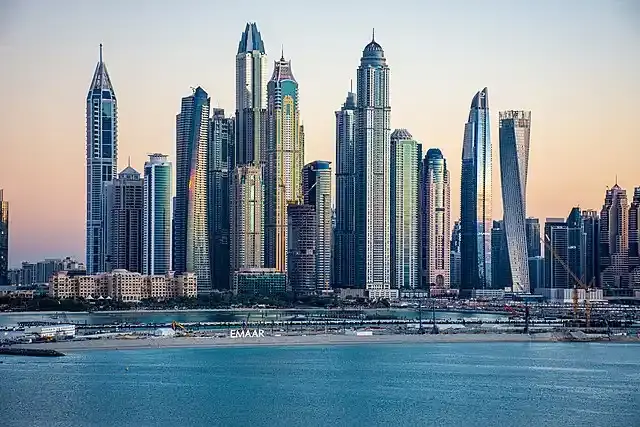
Princess Tower... The second tallest skyscraper in Dubai
Princess Tower in Dubai Marina stands out with its luxurious design, 101 floors, and stunning views. Once the tallest residential building in the world, it offers elegant apartments, top-notch amenities, and a prime location near shops and transport, making it a dream home and a solid investment. more- ADVERTISEMENT
![]()
Mount St. Helens blast and rebirth
Mount St. Helens, once shattered by a deadly eruption in 1980, now stands as a powerful symbol of nature's recovery. From barren ash fields to thriving ecosystems, it shows how life returns. Today, it draws visitors eager to witness Earth’s healing and learn from its remarkable transformation. more- ADVERTISEMENT
![]()
You can train your brain to increase your attention span, and here's how
Distractions are everywhere, but by building better habits—like getting enough sleep, keeping your phone out of reach, and taking mindful breaks—you can train your brain to stay focused longer and boost your productivity throughout the day. more- ADVERTISEMENT
![]()
The dark side of early retirement
Early retirement sounds dreamy, but it's not all sunshine—many do it because they’re unhappy at work, feel hopeless, or want more time. But the risks are real: loneliness, regret, running out of money, and losing purpose. Think twice before jumping ship too early. more- ADVERTISEMENT
![]()
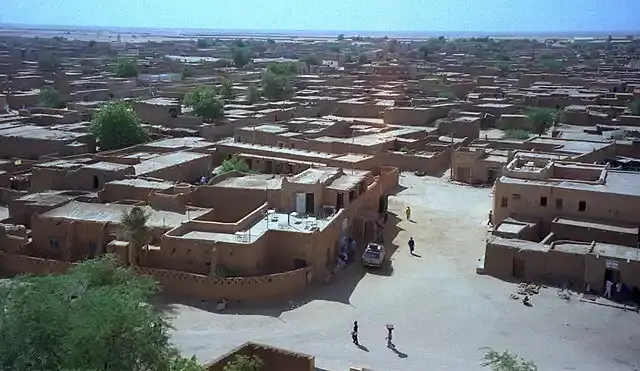
Agadez Historic Centre, a fascinating African heritage site in Niger
Agadez, known as the "Gateway to the Desert," stuns visitors with its towering 27-meter clay minaret—the tallest in the world—and its rich blend of Tuareg culture, desert architecture, and caravan trade history. Its historic center, a UNESCO World Heritage Site, showcases enduring traditions and earthen beauty. more- ADVERTISEMENT
![]()
10 things smart people never share with anyone
Smart people often keep quiet about their true knowledge, finances, personal struggles, and future plans. It’s not secrecy—it’s strategy. By choosing what to share, they protect their peace, maintain control, and keep life’s noise at bay. more- ADVERTISEMENT
![]()
Rare but deadly natural phenomena: a fascinating look at the extraordinary forces of the Earth
Nature stuns with rare spectacles like ghost apples clinging to branches, red rain falling mysteriously in India, and jellyfish lightning flashing above storms. From Venezuela’s eternal lightning storms to Australia’s rolling morning glory clouds, these phenomena showcase Earth’s strange, powerful beauty—and remind us how little we really know. more- ADVERTISEMENT
![]()
Topkapi Palace ... The largest palaces of Istanbul in Turkey
Topkapi Palace, once home to Ottoman sultans, dazzles with over 12,000 porcelain pieces and secretive chambers. Known as the "Palace of Happiness," it’s now a UNESCO World Heritage Site and ranks among Europe's most visited museums, drawing millions into its rich blend of history, culture, and architectural beauty. more- ADVERTISEMENT
![]()
At each moment, there are about 2,000 thunderstorms occurring on Earth.
Thunderstorms are powerful and common, with up to 2,000 happening worldwide at any time. Florida sees the most in the U.S., while Venezuela’s Lake Maracaibo holds the record for lightning. Remember: if you hear thunder, go inside—lightning can be deadly, even from miles away. more- ADVERTISEMENT